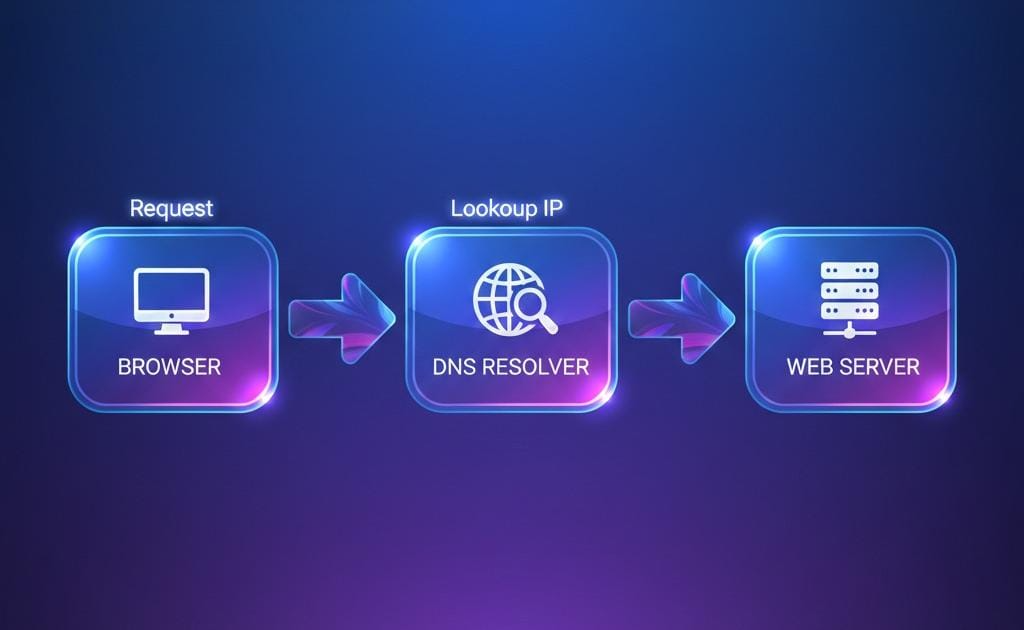
How does a browser know where website lives?
When you type a website name like www.example.com in browser and enter, the page open in just seconds.
but wait :
How does a browser know where website lives?
Where is it ?
Who tells the browser the address ?
There is no one but DNS.
DNS : The phonebook of internet
DNS (Domain Name System) is like contact list in your phone.
You save a name but behind the name, there is a number.
similarly,
We know name like google.com but computer only understand numerical values .so it required IP Address like 142.43.53.32.
DNS connect that name to IP address.
Why DNS records are needed
One domain has to solve many problems.
when you enter domain like google.com it face so many questions like :
Where is the website ?
Where should emails be delivered ?
Who manage this domain ?
Is this domain real and trusted ?
That's why DNS records are needed.
DNS records break one big problem into small clear solution .
Think about a house. A house does not have just one piece of information.
It has :
address i.e. where it is ?
Post office route i.e. where letter go?
An owner i.e. who manage it?
Extra notes i.e. security and verification
DNS records do same thing . Each record answer one specific Question.
but wait….
Here, a question arises what happens if we don't have DNS records?
For it think , you telling someone to go to your friend's house
but you don't give him your friend's address or tell him where to send letters and also not tell him that who manage the house.
It is obvious that your friend will be confused.
Similarly with the internet,
browsers don't know where websites are located. Emails don't know where to go. Fake domains would be hard to detect.
So,
DNS records prevent this confusion.
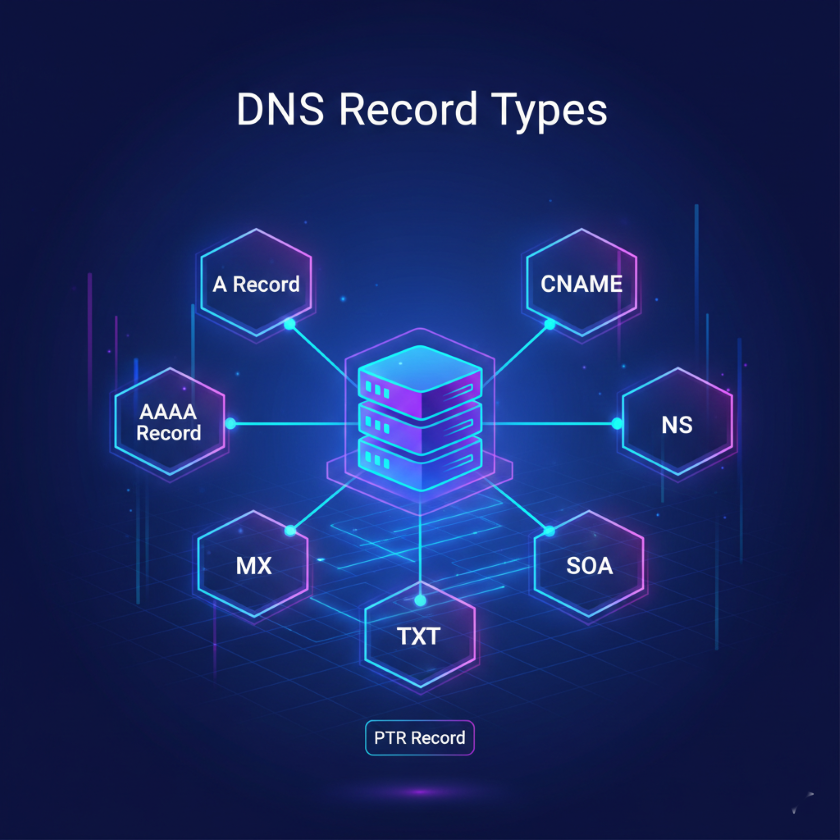
Types of records:
A Record
AAAA Record
CNAME Record
MX Record
NS Record
TXT Record
A record :
Imagine I want to visit my friend Anushka.
Now, I need her home address , not just her name.
That exactly what an record an A record does.
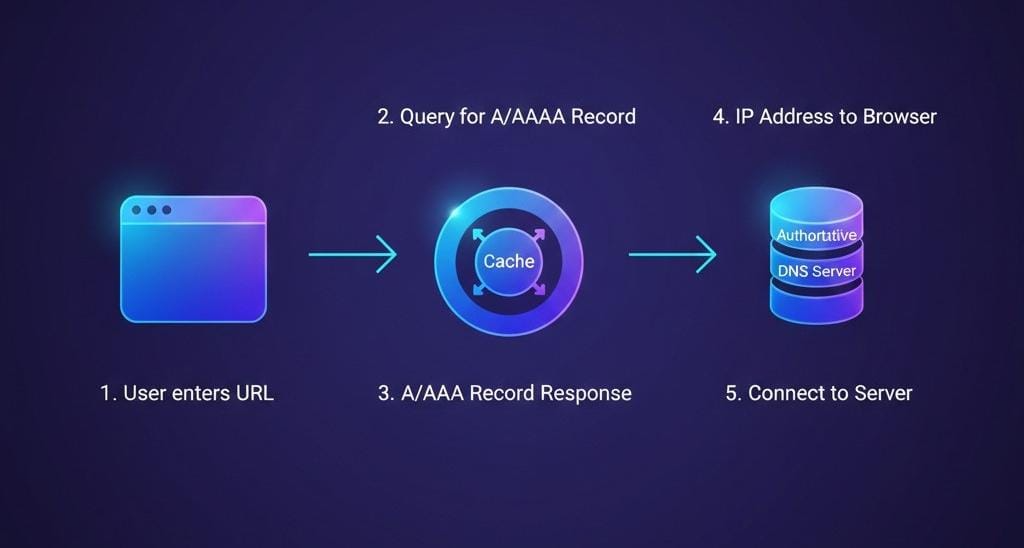
It connect the domain name to an IPv4 address.
Ex.
example.com → 93.184.216.34
It solve the question i.e. “where is this website located ?”
Here you might Think, what happens if we don't have an A record?
The Browser knows the name
But has no address to go.
As a result, the website will not open.
AAAA Record:
Most important , it have same job like A record.
It is just a modern version of A record.
The difference is only that, Its IP address is IPv6.
And also, It solve the problem like “how do we support the new network addressing system ?”
But wait:
Is that means , will we have to choose one from it ?
Frankly speaking, NO. We do not have to worry about choosing one from them.
Many websites use both A and AAAA .
CNAME record :
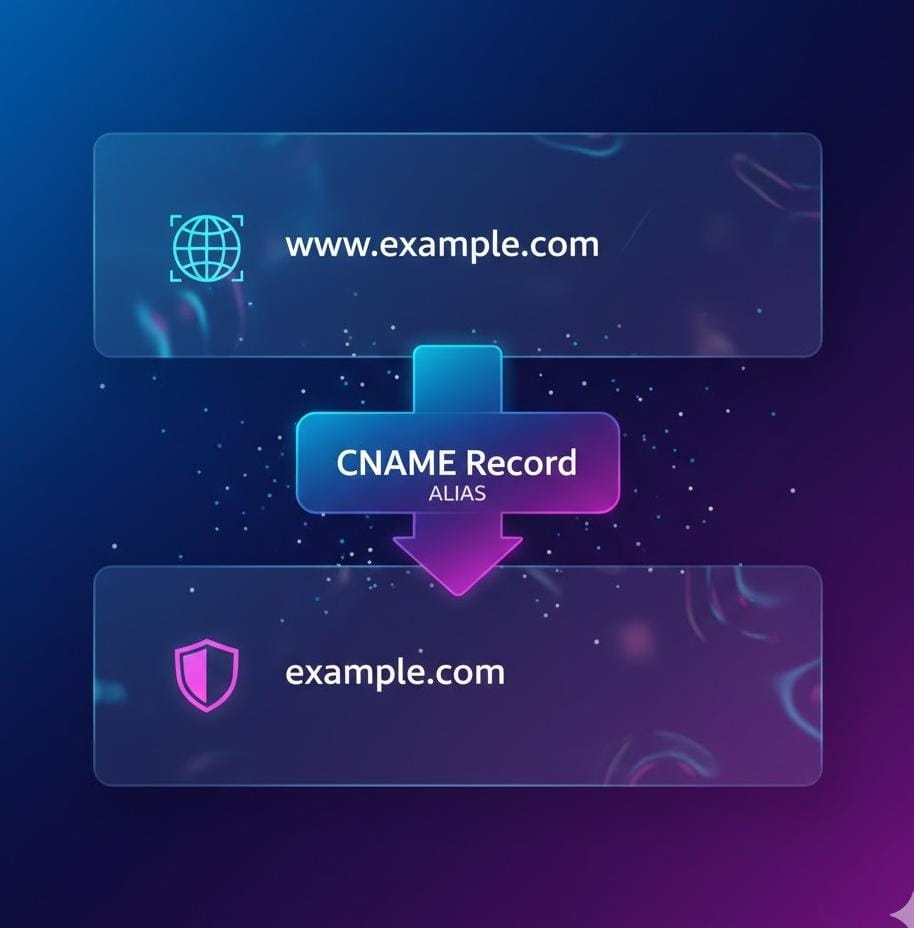
It's like calling our best friend by their name or nickname. For example, my best friend's name is Anushka, but I call her names like Anushka or Anu.
both name are pointing towards same person.
That is CNAME record.
Ex…www.example.com → example.com
Also there is a confusion between A and CNAME record i.e.
A record points to an IP address
CNAME points to another domain name
We can't use them together for the exact same name.
MX Record:
Your Home address is not where letters are sorted. Letters first go to a post office.
That is MX record.
- It tells where emails should be delivered.
Ex…example.com → Google mail servers
It tells ,” if someone send mail to info@example.com , where should it go”.
Wait, but here some people get confused:
MX is not for website
It is only for Email delivery
TXT Record :
Sometimes, services ask :”are you really owner of this domain?”
Instead of documents, DNS uses TXT records.
They are used to :
domain verification
Email security
Trust and protection
usually we are not reading TXT records. Machine do.
NS record
Simply, it define who control DNS for the domain
But what if we not use NS record?
when someone type your website name in browser, DNS needs to know which DNS server to ask for the correct IP address
That direction is given by NS record
Ex.., Example.com NS ns2.dnsprovider.com
Working:
We type example.com in browser.
DNS root server says: “ask these name servers “(from NS record)
Browser contact to ns1.dnsprovider.com
That server returns A record, AAAA record, MX record etc.
So it means NS record is the place where all records are live.
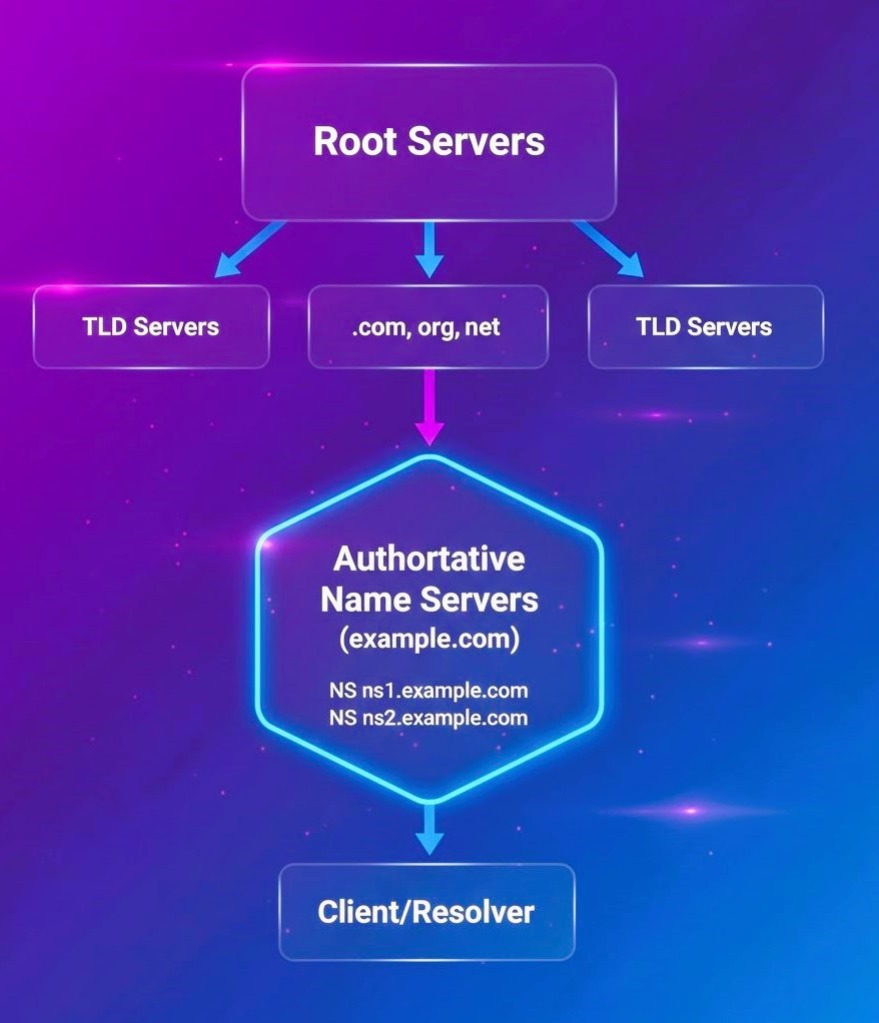
But wait, here some people got confuse:
NS decide who control DNS
MX decides where email goes
How one domain Uses All records Together?
NS record
- solves : Who is responsible for managing DNS ?
A / AAAA record
- Solves: Where is the website hosted?
CNAME record
- Solves: How can multiple names point to the same website?
MX record
- Solves: Where should emails be delivered?
TXT record
- Solves: How do we verify and secure the domain?
Conclusion
In the blog, we understand DNS and DNS record types. If DNS ever feels confusing ,remember that: we are not learning technology . We learning Addresses, names, and responsibilities. DNS records don’t exist to make things complicated. They exist to make sure everything goes to the right place.
I hope that you’ve found this blog helpful...! If you have any questions or feedback, feel free to leave a comment below.
If you found this article helpful, please like and share it .


